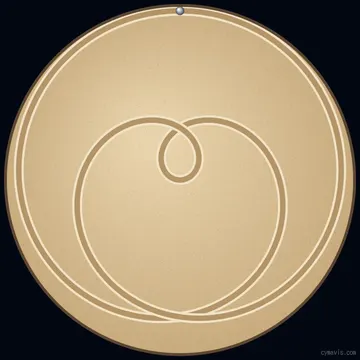
Perfect Fifth (3 : 2)
A short first test.
about 1 min
Played on a real table
Download .thr Change in studioTurn tones and ratios into a path for a ball in sand. Watch it draw, then download a .thr track for a kinetic sand table.
Tone ratio
This ratio never closes, so the track ends with a short move to the center or edge.
Drawn: 0% · 24,002 points · 439 KB
Est. time on a table: about 1 h 5 min
Tables and speed settings differ, so try a short track first. The upload steps are below.
Free tracks made by CymaVis. Download one to run it, or change it in the studio. Times are rough estimates.
A short first test.
about 1 min
Played on a real table
Download .thr Change in studio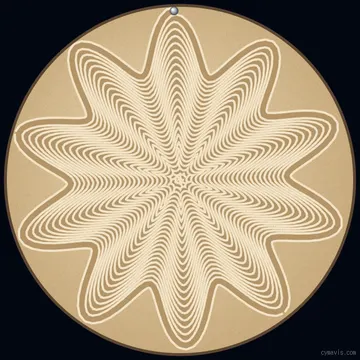
A wavy spiral from center to edge.
about 12 min
Download .thr Change in studio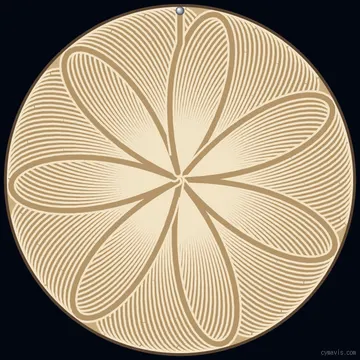
Petals that slowly rotate.
about 32 min
Download .thr Change in studio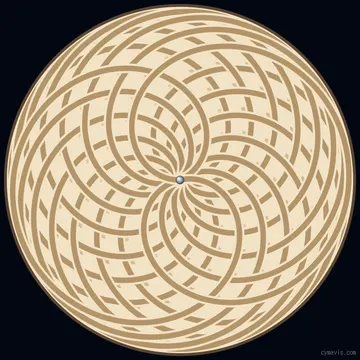
A curve that never closes.
about 1 h 5 min
Download .thr Change in studio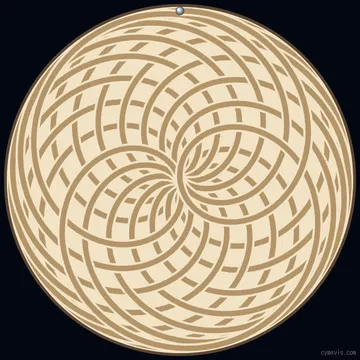
The longest one. See the photo below.
about 2 h 3 min
Played on a real table
Download .thr Change in studio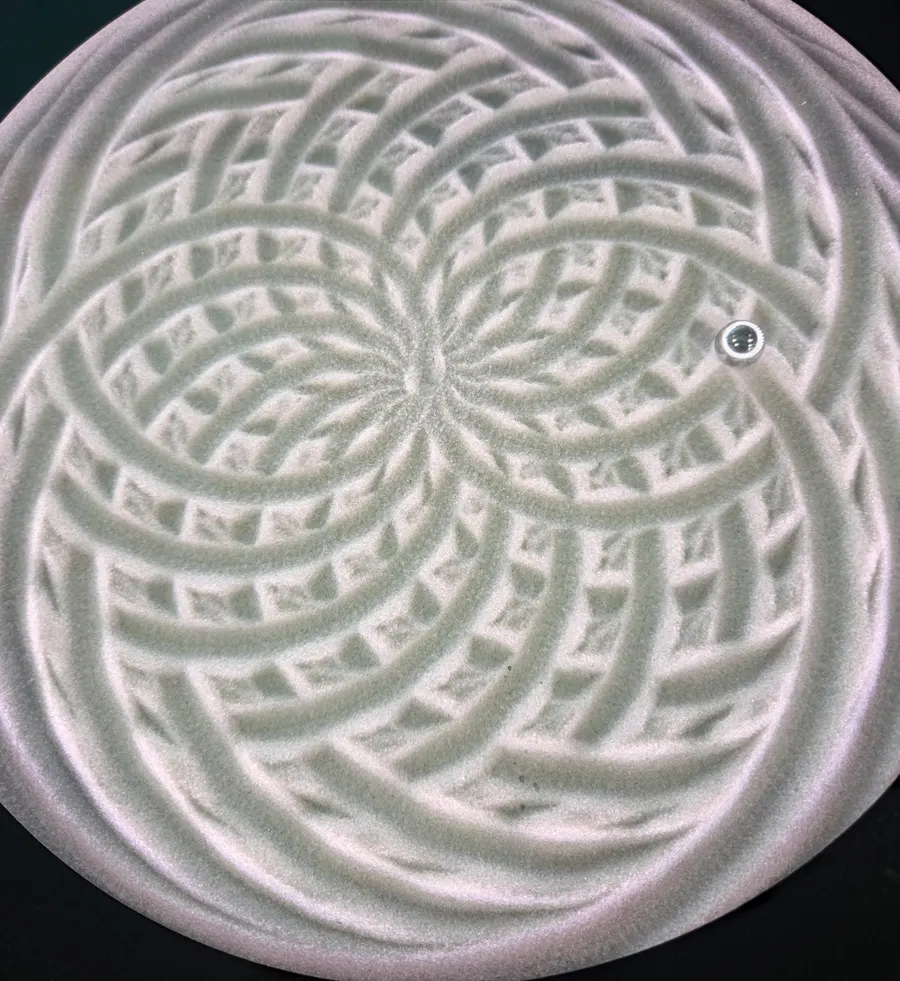
On a Chladni plate, vibration moves the sand onto the lines that stay still. On a kinetic sand table, a magnet pulls a ball and its trail becomes the line. Physics sets the first pattern and a formula sets the second. This tool builds that formula from the numbers of sound: frequencies and musical ratios.
The phone app’s Library has no file upload option, so we used a browser on a PC on the same Wi-Fi network. Menu names may differ between firmware versions.
http://IP:3001. For example: http://192.168.0.50:3001Download .thr saves the same coordinates the preview draws. The estimated time in the tool is a rough figure based on path length. With the speed set high on our table, the app showed about 2 hours for the 355 : 113 track. Speed settings and tables differ, so start with a short pattern such as 3 : 2. Tracks end on the edge or the center, which makes them easier to chain.
One ball has to draw everything in a single line, so a spiral from the center to the edge wiggles more where the image is dark. Grooves are wide, so the result is not photographic: simple shapes and strong contrast work best. The picture may look turned depending on how your table sits, so use the rotate control. Your image is processed in the browser and never uploaded.
A plain text list of polar coordinates, one “theta rho” pair per line. Theta is an accumulated angle in radians and rho runs from 0 at the center to 1 at the edge. Lines starting with # are comments.
We uploaded tracks from this tool to a Sisyphus table at home, and the table played them and made its own thumbnails. We have not tested other tables or every firmware version, so try a short pattern first and watch the first minutes of the run.
No. A Chladni plate is real physics: vibration moves the sand. Here a ball follows a calculated path, and tones only set the numbers for that path. To see vibration patterns, use the Chladni simulator.
No. CymaVis is independent and is not affiliated with any sand table manufacturer. Product names belong to their owners.